An AI App Builder for a Real Business: Eight Things to Check Before You Pick One
Most AI app builders are judged by the first screen they draw. A business runs on what happens after: the data, the clients who sign in, the work that has to happen at nine every morning, and who fixes it when it breaks.
"AI app builder" covers a lot of very different tools now. Some draw a beautiful first screen and hand you the code. Some host what they made. A few run it for you. If you only want a prototype for Friday, any of them will do, and the comparisons you'll find mostly measure that: how good the first draft looks.
A business has a different problem. It needs the software to still be working in month six, with real clients signed in, real records in it, and work happening when nobody is at the keyboard. We make one of these tools, Bnome, so read this as a checklist from people with a stake, not a verdict. Every claim about another product is linked to its own pages.
Why the demo is the wrong test
We wanted to know how long AI-built apps actually last, and nobody publishes it, so we measured it. We took every
*.lovable.app, *.base44.app and *.replit.app address that the open web archive
Common Crawl found working in September 2025
— 686 apps — and opened each one again twelve months later, in a real browser with JavaScript running.
37% were gone or broken. Of the ones still up, 44% were a single screen with less than 1,500 characters
of text.
Building was never the hard part. Keeping something running for real people is, and that is what the next eight checks are about.
How we measured: Common Crawl crawl CC-MAIN-2025-38 (6–17 September 2025), every host on the three platforms except builder preview addresses; 686 apps answered "200" then. We opened them again on 25 September 2026 with headless Chrome and judged what a person would see, because an empty shell also answers "200". The result is optimistic: only apps public enough for a crawler to find made it into the sample, and from outside we can't tell why any single app went down.
1. A real database you can open
A business runs on its records: clients, bookings, orders, jobs. The first thing to check is whether the builder gives you a real database with your data in it, or a screen filled with sample rows. Then check whether you can see that data without the app: search it, export it, hand it to an accountant.
Ten-minute test: add three real records through the app, then find them somewhere other than the screen you typed them into.
2. Sign-in for clients, and each client sees only theirs
The moment a client logs in, the question changes from "does it work" to "who can see what". This is where AI-built apps get hurt most publicly. In 2025 a researcher reported CVE-2025-48757, "missing or insufficient Row Level Security (RLS) policies on databases used by Lovable projects", a finding Lovable disputes; Semafor reported that of 1,645 Lovable-built apps scanned, "170 allowed anyone to access information about the site's users".
Ten-minute test: make two client accounts. Sign in as the first and try to open the second one's booking by changing the address. You should get nothing.
3. Work that happens without you
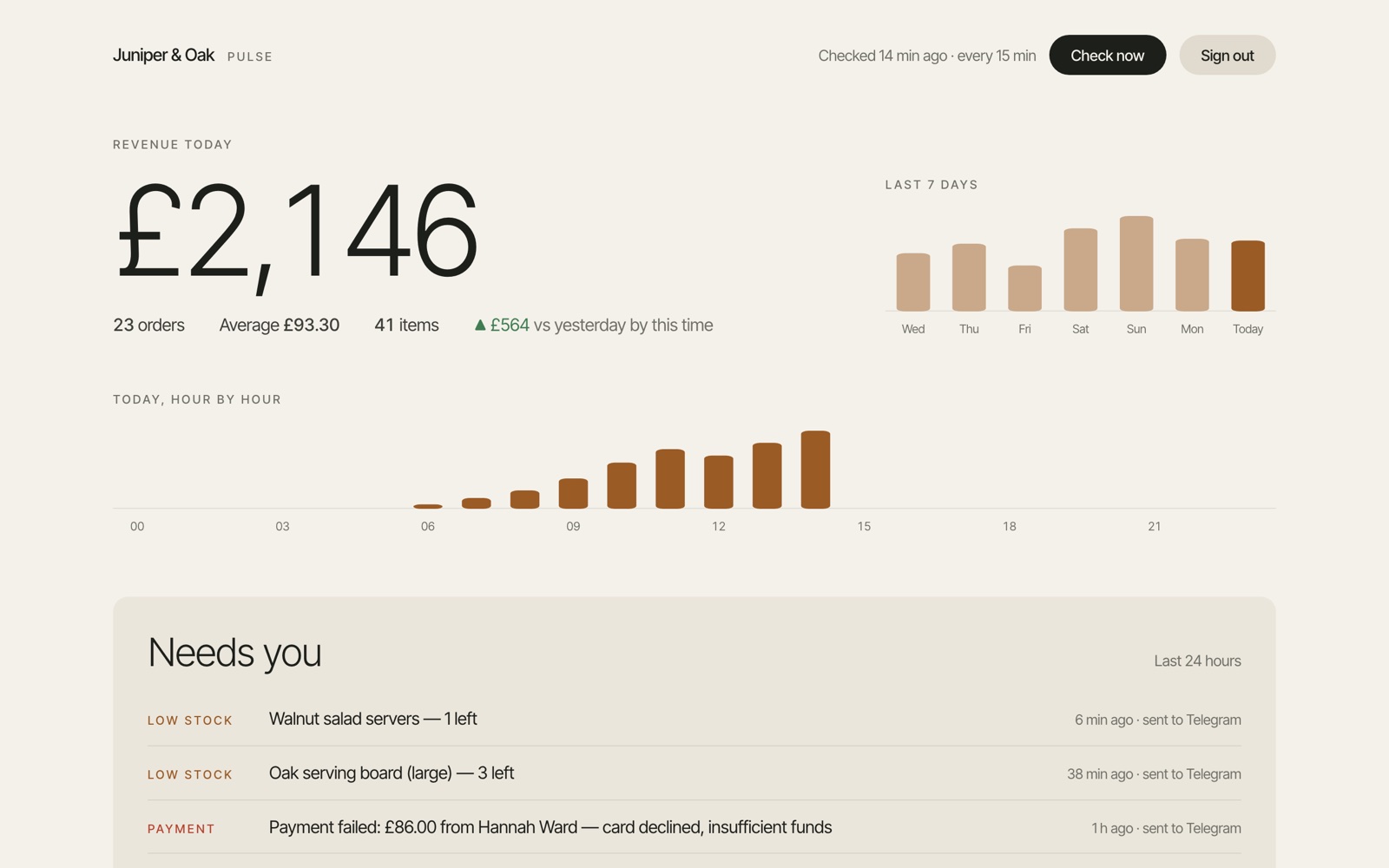
Most of the value in business software is in what happens when nobody is clicking: the reminder that goes out at nine, the overdue invoice that gets chased, the low-stock warning, the weekly report. Ask whether the builder can run scheduled jobs and background work, whether each run is recorded, and what happens when one fails.
4. The tools you already use
Nobody starts from zero. You have a calendar, an inbox, a payment provider, a spreadsheet the business really runs on. Check how the builder connects to them: whether you sign in once and it just works, or whether you are pasting API keys into settings and reading developer docs.
5. Your own address, and an app that is awake
Clients should find you at your domain, not at a random subdomain, and the app should answer at once. Many free plans put an app to sleep when nobody has opened it for a while; that is fine for a prototype and bad for a booking page. Check which plan gives you a custom domain and an always-on app, and what that plan costs.
6. What a change costs, before the bill
Almost every builder now charges by usage: tokens, credits or "effort". That is fair, but it means a hard week costs more than an easy one, and fixing the tool's own mistakes is paid from the same balance as progress. What you want is to see the cost of each change as you go, and to know what happens when the balance hits zero: does the agent stop, or does your app go down with it?
7. Who fixes it when it breaks
Something will break: an integration changes, a job fails at 3 a.m., a page stops loading after a change. Check whether the builder notices on its own, whether it checks its own work after a change, and whether you can describe the problem in plain words and have it fixed — or whether "fix it" means opening the code.
8. Whether you can leave
Lock-in is a real cost. Before you build the business on a tool, find out what you can take with you: the code, the data, or both. A tool that runs everything for you will usually give you the data more easily than the code; a tool that hands you a repository gives you the code and leaves the running to you. Neither is wrong, but know which one you chose.
How the main builders compare
| Database | Client sign-in | Scheduled jobs | Own domain | Stays on without you | A change costs | |
|---|---|---|---|---|---|---|
| Lovable | Built in | Built in, with row-level security | Yes | Paid plans | Site stays up; backend pauses when idle | Credits by task; $25 for 100 |
| Bolt.new | Built in | When you ask for it | Not documented | Paid plans | Pauses at the traffic cap | Tokens; $25 for 10M |
| Replit | Built-in Postgres | Replit Auth or Clerk | Yes | Yes; plan not stated | Idles after 15 min unless always-on (from $15/mo) | Effort; from $20 |
| Base44 | Built in | Built in | From $50/mo, every 5 min at most | From $20/mo | Not documented | Message credits; from $20 |
| v0 | Via Neon, Supabase or Upstash | Generated in code | Via Vercel Cron | Through Vercel | Scales to zero; business use needs Vercel Pro ($20/mo) | Credits at token rates; $30/user |
| Bubble | Built in | Built in | Daily on paid plans | From $32/mo | Offline at the workload cap unless overages are on | Workload units and AI credits |
| Bnome | One per system, shared by its apps | Clients and team; each client sees their own | Every few minutes or daily; every run recorded | Pro, $30/mo | Always on with Pro; free apps sleep after a day | Credits for the computing used; 1 credit = 1¢ |
Plans and prices change often in this category. Everything above was read on each product's own pages on 7 October 2026; check the live pricing page before you commit.
What this looks like on Bnome
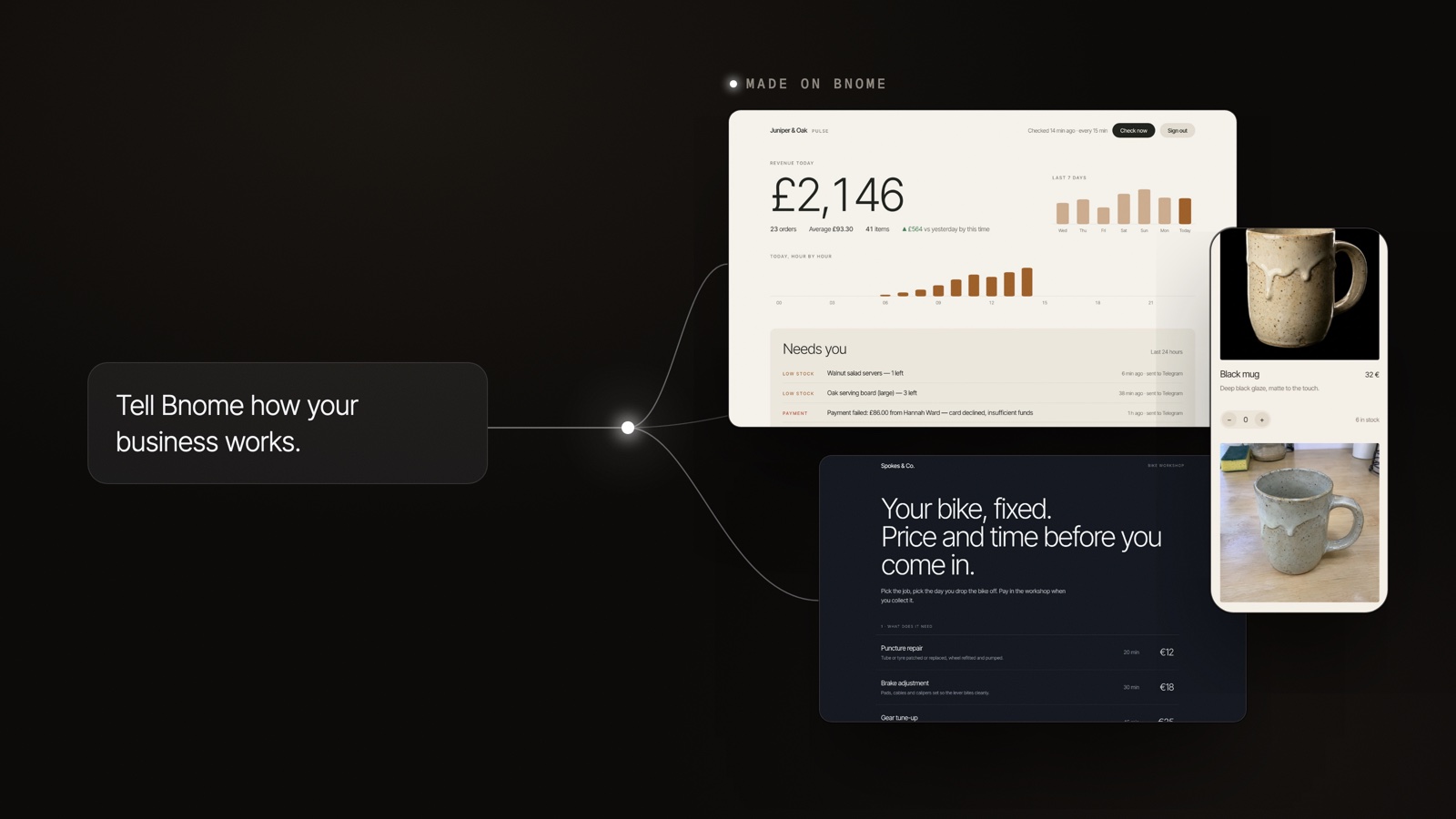
On Bnome a business is a system: a few programs, each at its own address, sharing one database — the app your clients open, the desk your team works from, and the jobs that run on their own. You describe how the business works in plain words; the agent writes down a plan first, builds the programs, then the platform checks that every program answers and sends anything that doesn't back to the agent (how Bnome works).
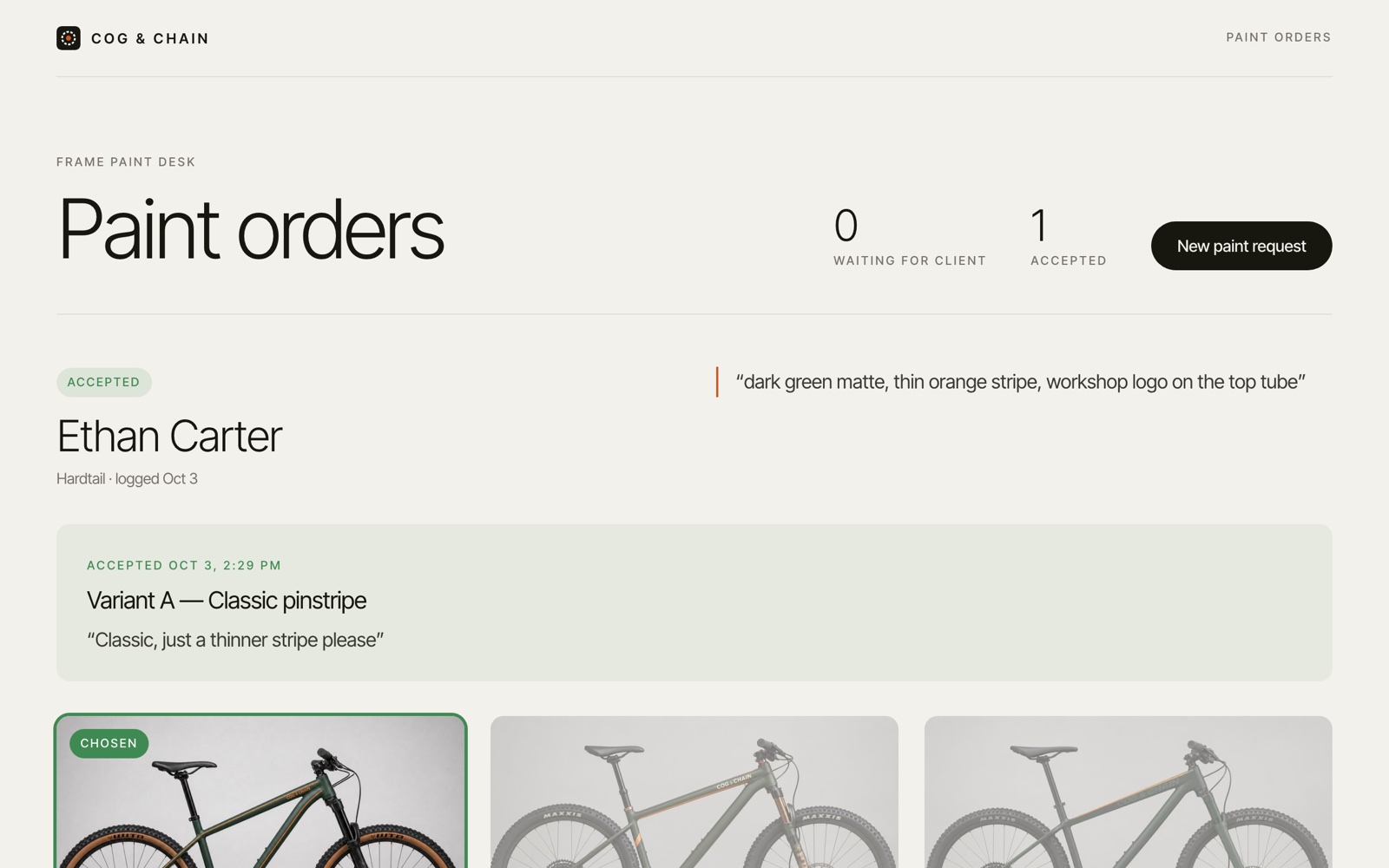
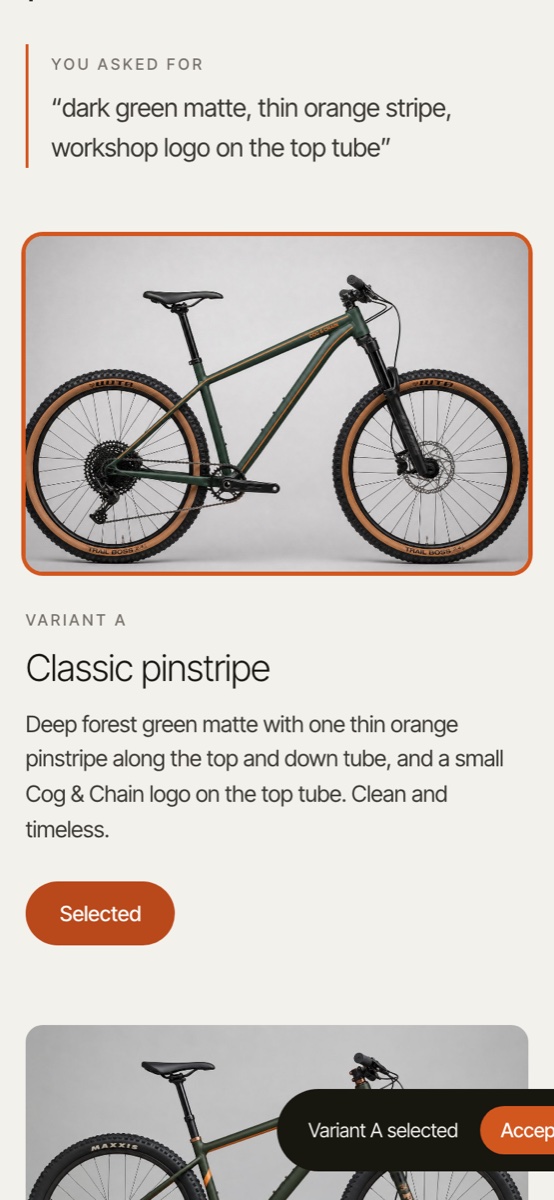
Against the eight checks: the database is real and opens read-only from the canvas, with search and CSV export. Clients get an app of their own and see only their things. Jobs run on a schedule, every run recorded, and programs hand work to each other through events and queues that retry when one is busy. More than 1,500 services connect with a single sign-in. Every program lives at its own bnome.app address; Pro ($30 a month) puts it on your own domain and keeps it always on. A change costs the computing it really used, in credits — a credit is a cent, a small fix is often under 100 — and if the credits run out the agent waits while your apps stay up (pricing).
Where Bnome is the wrong pick: if you are a developer who wants a repository to own and extend, a code-first tool will suit you better. Bnome runs the software for you, so the code is not the thing it hands you.
FAQ
What is the best AI app builder for a small business?
It depends on what you need at the end. If you want code to own and a developer to extend it, pick a code-first builder. If you want software that runs the business for you — client apps, a team desk and scheduled jobs on one database, hosted and kept running — pick a builder that runs what it builds. Test any of them against real data, two client accounts and one scheduled job before you commit.
Can an AI app builder make a client portal?
Yes, but check access control first: sign in as two different clients and make sure neither can open the other's records. Data leaking between users is the most common serious failure of AI-built apps.
Do AI-built apps keep working in production?
Many don't. In our measurement of 686 AI-built apps that were live in September 2025, 37% were gone or broken twelve months later. Apps that last usually have a business behind them and someone, or something, maintaining them.
How much does an AI app builder cost?
Most charge by usage on top of a plan: tokens, credits or effort. Expect a free tier for trying it, and $20–$32 a month for a first paid plan; heavy building weeks cost more. Look for a tool that shows the cost of each change and keeps your app running if the balance runs out.
Tell Bnome how your business works.
It builds the apps your clients and your team use, on one real database, and keeps them running. Start free.
Try Bnome